Oleon
OleonWhatsApp CRM
A CRM that lives
inside WhatsApp.
For most businesses here, WhatsApp is not a channel alongside the others. It is where the customer already is, and everything else is a fallback. That makes the way a tool connects to it the most important thing about the tool.
Connect
Two ways in.
And they are not the same.
The Cloud API is the official route: templates, higher limits, a verified business name. A WhatsApp Web number is the fast route for a number you already run. We support both because most teams start on one and move to the other.
The Cloud API. The official route.
Meta’s business route, with templates and a verified name. It needs a Meta Business account, and the number leaves the phone app.
A WhatsApp Web number. The fast route.
Link a number you already run and start answering today, with the limits of a personal client.
The rules
WhatsApp has rules.
Built around them, not against them.
The 24-hour window is real.
After a customer's last message you have 24 hours of free-form replies. Outside it, only approved templates go out. Any platform claiming otherwise is describing a way to get your number restricted.
The number stays yours.
Ownership is explicit and status is live, so a failing connection shows up here before a customer thinks you ignored them.
Templates, for once the window closes.
Approved by Meta, typically within a day, and sent from the same place you reply.
One number. The whole team.
As many people answering as you have seats for. The WhatsApp Business app stops at a handful of linked devices.
Languages
Sinhala, Tamil and Singlish.
The way WhatsApp is really typed.
Including Singlish typed in Latin script converted to Sinhala, which is how a large share of real WhatsApp traffic in Sri Lanka actually arrives.
Tech specs
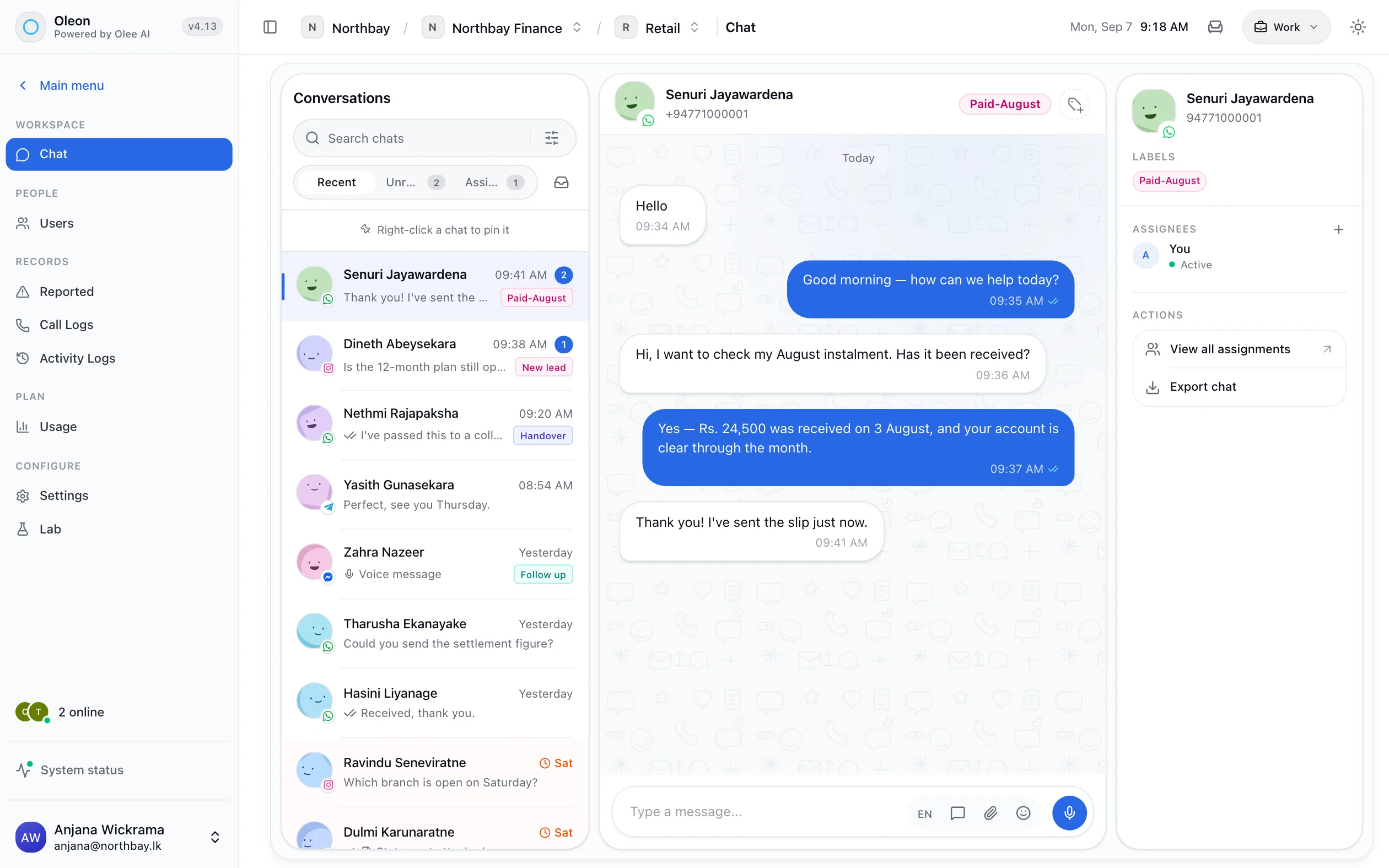
Every one of these is a screen in the product.
- WhatsApp Cloud API
- WhatsApp Web numbers
- A wizard for each channel
- Channel ownership
- Live connection status
- Templated sends
- One inbox, every channel
- Singlish to Sinhala
Questions
Before you ask.
The ones we hear most about WhatsApp CRM. If yours is not here, the answer is a message away.
What is the difference between the WhatsApp Cloud API and a WhatsApp Web number?
The Cloud API is Meta's official business route: it supports approved templates, higher throughput and a verified business display name, and it requires a Business Manager and a number not tied to the WhatsApp app. A WhatsApp Web number connects a number you already use, which is quicker to start but carries the limits of a personal client.
Can we keep our existing WhatsApp number?
Usually yes, but a number can be on the WhatsApp app or the Cloud API, not both. Moving it to the API means it stops working in the phone app.
Do we need Meta approval?
For the Cloud API, yes: a Meta Business account and template approval for business-initiated messages. Template review is typically a day.
How many agents can answer one WhatsApp number?
As many as you have seats for. That is the main thing a shared inbox adds over the WhatsApp Business app, which caps you at a handful of linked devices.
Keep exploring.
More of what Oleon does.
All channelsIt starts with one conversation.
Bring the channels you already answer on into one place, and see what the rest of the week looks like.
Not ready to sign up? Join the waitlist and we will come to you.