Oleon
OleonOne message, your whole list.
Write it once and send it to all your customers, or just to one list, like everyone who bought last season.
Send offers and updates
A new stock arrival or a weekend sale is only worth announcing if people see it, and on WhatsApp they do. Send it to everyone in one go, and be ready for the replies, because on WhatsApp people answer.
One message, your whole list.
Write it once and send it to all your customers, or just to one list, like everyone who bought last season.
Check it before it goes.
Preview the message with a real customer's name filled in, so nothing goes out saying "Hi {name}".
Replies land with your team.
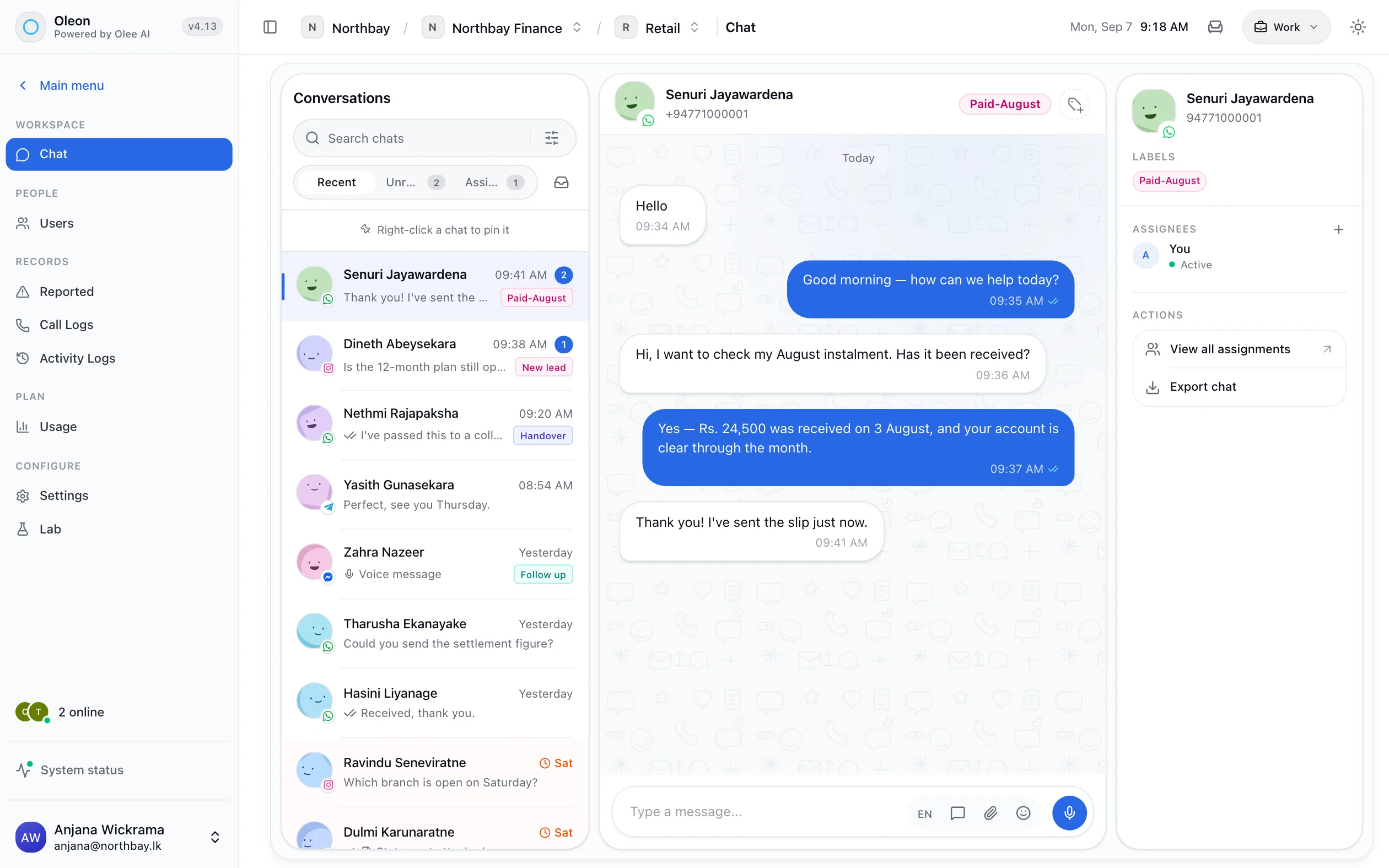
When customers answer, their replies arrive in the shared inbox as normal chats, ready for someone to pick up.
Know who got it.
See which messages were delivered and which were not, one by one, instead of a single percentage at the end.
Tech specs
Questions
The ones we hear most about Send offers and updates. If yours is not here, the answer is a message away.
Sending WhatsApp-approved messages to people who agreed to hear from you is the supported way to do it. Sending to a bought list of strangers is what gets a number restricted, and no tool can protect you from that.
When you message someone first, WhatsApp asks for the message to be approved in advance. It is usually quick, and it is once per message, not once per send.
WhatsApp charges for the messages it delivers, at its own rates. What Oleon charges is on the pricing page.
Bring the channels you already answer on into one place, and see what the rest of the week looks like.
Not ready to sign up? Join the waitlist and we will come to you.