Oleon
OleonUpdates sent the moment things change.
An order confirmation, a dispatch notice or a receipt goes out on WhatsApp as soon as your system records it, with nobody copying messages across.
Automatic order updates
Your shop system already knows when an order is confirmed, packed or delivered. Your customers only find out when someone remembers to message them. Connect the two once, and the updates go out on their own.
Updates sent the moment things change.
An order confirmation, a dispatch notice or a receipt goes out on WhatsApp as soon as your system records it, with nobody copying messages across.
Customers can check for themselves.
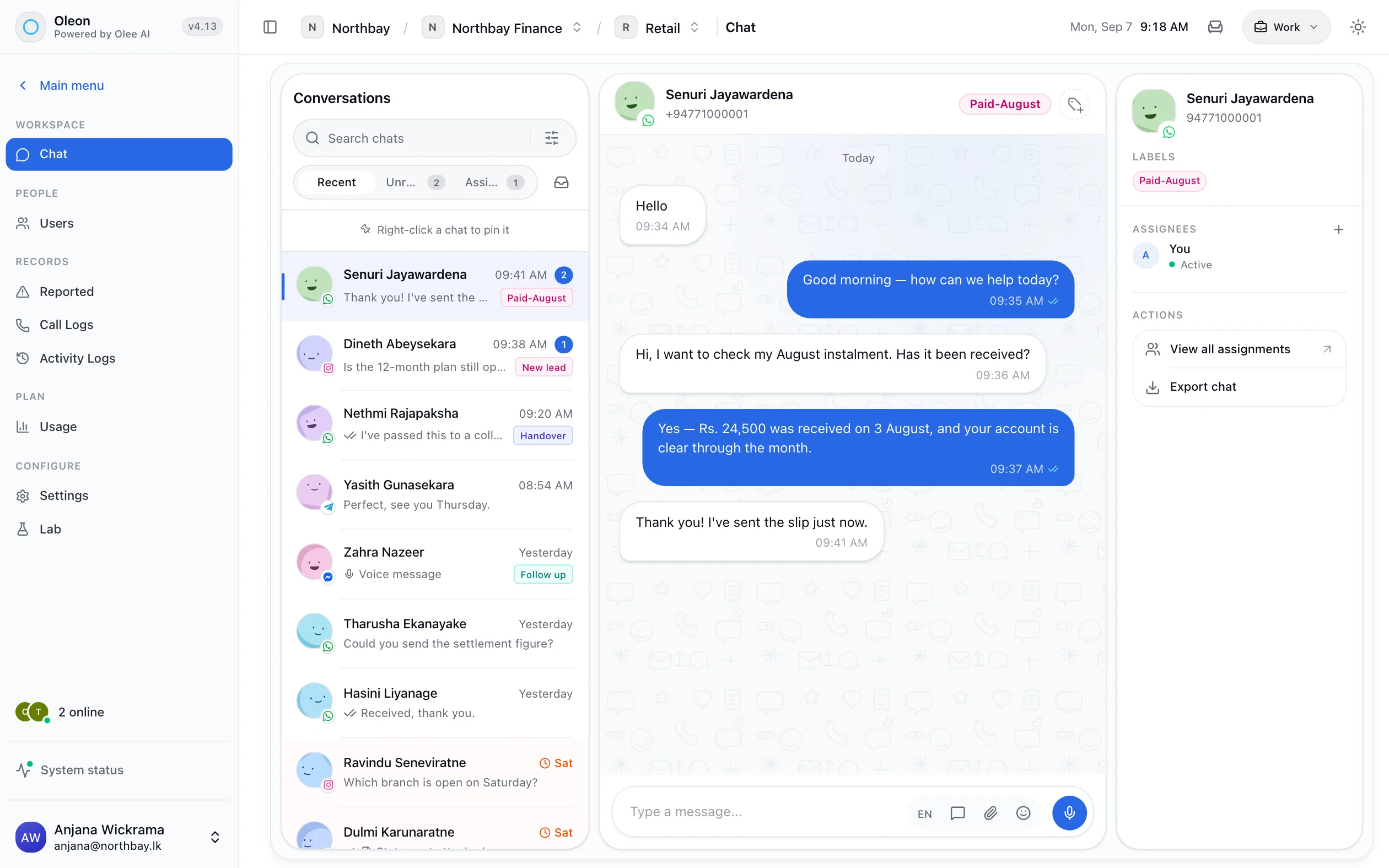
A customer asks about their order in the chat and the answer is looked up from your system while they wait.
Replies still reach a person.
If a customer answers an update with a question, it lands in your team's inbox as a normal chat.
Safe to connect.
The connection can only do what the person who set it up is allowed to do, and everything it does is recorded.
Tech specs
Questions
The ones we hear most about Automatic order updates. If yours is not here, the answer is a message away.
For the connection, yes, once. A developer links your system to Oleon using our documentation. After that the updates run by themselves.
Any system your developer can connect to our API, such as your own shop system or an ERP.
At /docs.
Bring the channels you already answer on into one place, and see what the rest of the week looks like.
Not ready to sign up? Join the waitlist and we will come to you.