Oleon
OleonIntroducing Sleep Mode
BetaYour team by day. AI by night.
Your team answers in working hours. When they go home, the AI takes over. You sleep, and the sales keep coming in.
In beta. Not every part described here is switched on yet, so read it as what it will do.
How it works
Three steps. No night shift.
Set it once. It runs every night.
Set your hours. Tell it when your team is in. Say, 9 to 6 on weekdays.
Your team answers by day. In your hours, every new message goes to a person.
The AI takes the night. Outside them, the AI answers. In the morning, it hands back.
Watch a night
It clocks in when you clock out.
6 PM to 9 AM, in ten seconds.
6 PM, it switches on. Your team goes home. The AI answers from your own info, straight away.
9 AM, it hands back. Your team picks up the same chat. The customer never waited.
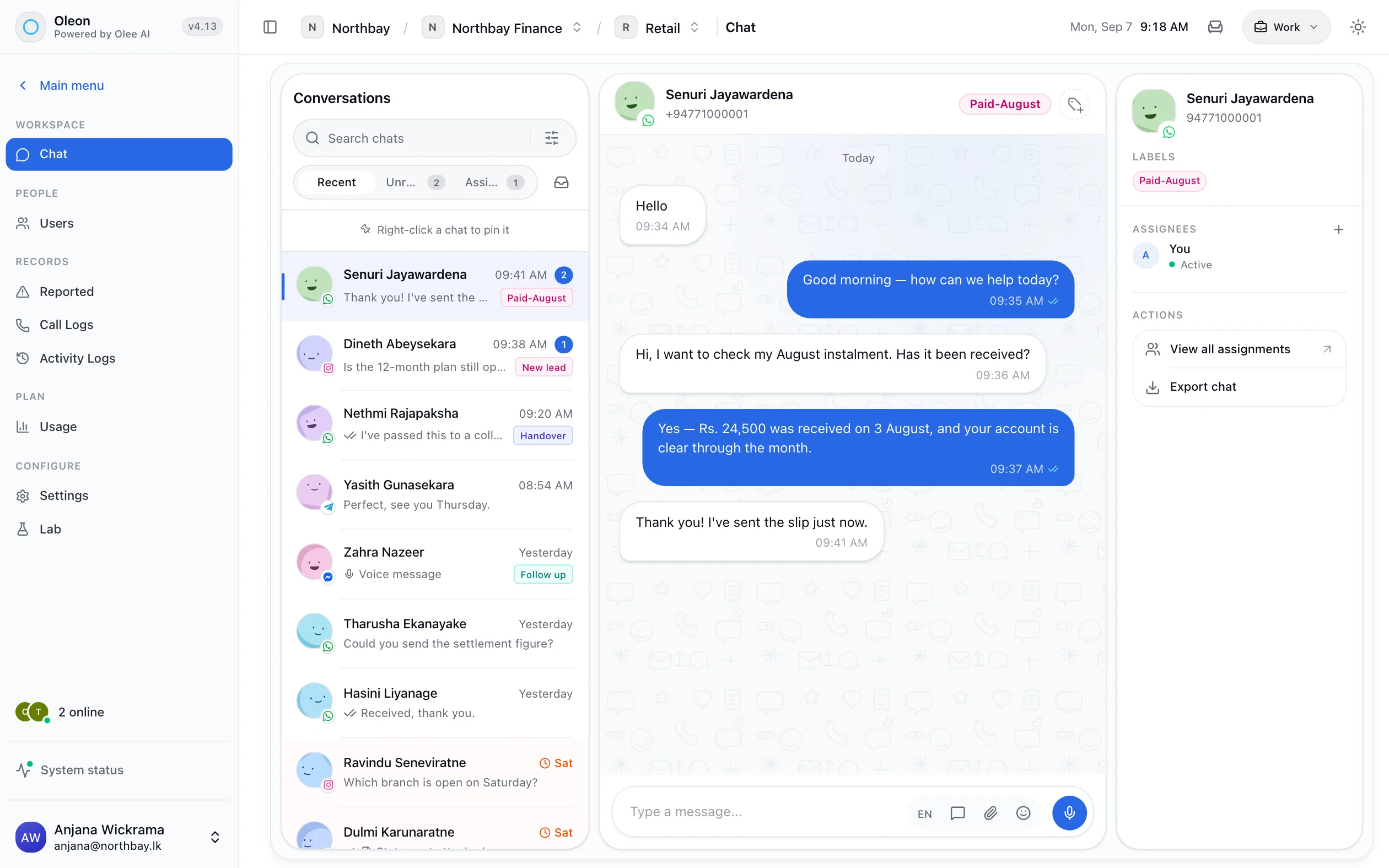
An example: at 5:58 PM a teammate answers a customer. At 6 PM Sleep Mode switches on. At 11:40 PM the customer asks about delivery and the AI answers straight away. At 9 AM the team is back and the same teammate continues the chat.
Your week
Someone is always there.
The blue is your team. The purple is the AI.
Monday to Friday, 9 AM to 6 PM, your team answers. Every other hour of the week, the AI answers.
Lower AI bill
Pay for the night shift only.
Not for every message.
Your team answers the day for free. The AI only answers the messages that come in while you are away, on your own key. Fewer messages, smaller bill.
Save on AI
Why it costs less.
Three reasons, no small print.
Your team takes the day. You already pay them. Daytime chats never touch the AI.
AI only when you are away. Nights and weekends. Fewer chats, smaller bill.
Your key, your price. AI usage is billed to your own account. We add nothing.
Drag to match your shop.
65%less work for the AI.
Your team already covers the rest.
Bring your own key from
- OpenAI GPT
- Google Gemini
- OpenRouter
And through OpenRouter
- Anthropic Claude
- Mistral
- DeepSeek
- Qwen
- and hundreds more models
Compare
People by day. AI by night.
The best of both, for less.
More sales
Night-time buyers, answered.
Reply fast. Keep the sale warm.
- Harvard Business Review study, 2011
- 7×more sales chats when you reply within the hour.Harvard Business Review study, 2011
- MIT study, 2007
- 21×less likely to go anywhere if you reply in 30 minutes, not 5.MIT study, 2007
- Harvard Business Review study, 2011
- 23%of businesses never reply. The rest take about two days.Harvard Business Review study, 2011
- Meta, 2023
- 600Mbusiness chats a day on WhatsApp, Messenger and Instagram.Meta, 2023
From studies of online enquiries, mostly in the US. The lesson for chat: reply fast.
Numbers here are an example.
Tech specs
What this one holds.
- Set your team's hours
- AI answers outside them
- Hands back when your team is in
- Answers from your knowledge base
- Overnight chats waiting in the Inbox
- Runs on your own AI key
Questions
Before you ask.
The ones we hear most about Sleep Mode. If yours is not here, the answer is a message away.
Does the AI answer during the day too?
Not in Sleep Mode. In your hours every new message goes to your team. If you want the AI on all day, that is the AI on its own.
What happens to a chat the AI started at night?
It stays in the Inbox with everything said. When your team is back, a person picks it up from there.
How does it save on AI costs?
The model is only used for messages that arrive in your off-hours, on your own key. Daytime messages are answered by your team and cost the model nothing.
Keep exploring.
More of what Oleon does.
All productsIt starts with one conversation.
Bring the channels you already answer on into one place, and see what the rest of the week looks like.
Not ready to sign up? Join the waitlist and we will come to you.