Oleon
OleonCRM for insurance
The worst day, handled.
The routine, automated.
Claim intake, policy checks, photographs, claim status and renewals run on their own, on WhatsApp. Your officers get complete claims instead of phone calls, and every word and picture stays on the record.
Automation
What runs on its own.
Most of an insurer's inbox is the same eight jobs.
Policy questions. Premiums, documents, branch hours, the claim process, from the knowledge base you wrote.
Report a claim. A menu, then the questions a claim form asks, one at a time, with every answer saved.
Is the policy active. Checked in your policy system mid-chat, before anyone spends time on the claim.
Photos and documents. Damage, the number plate, a licence, a bill. On the thread, not in someone's phone.
Where it happened. The customer shares a location with one tap, and it stays on the claim.
Claim status. Looked up by claim number, and answered with the state your system holds.
Renewal reminders. An approved template to the policies renewing next month. Replies come home.
An officer for the claim. Assigned to the claims team, and the bot stays quiet until they close it.
Claim intake
Everything a claim needs, on one thread.
Not a phone call, an email and a follow-up.
Documents and photographs are the intake.
Images, documents and voice notes arrive as part of the thread rather than as email attachments that have to be matched to a file later.
Complete before an officer opens it.
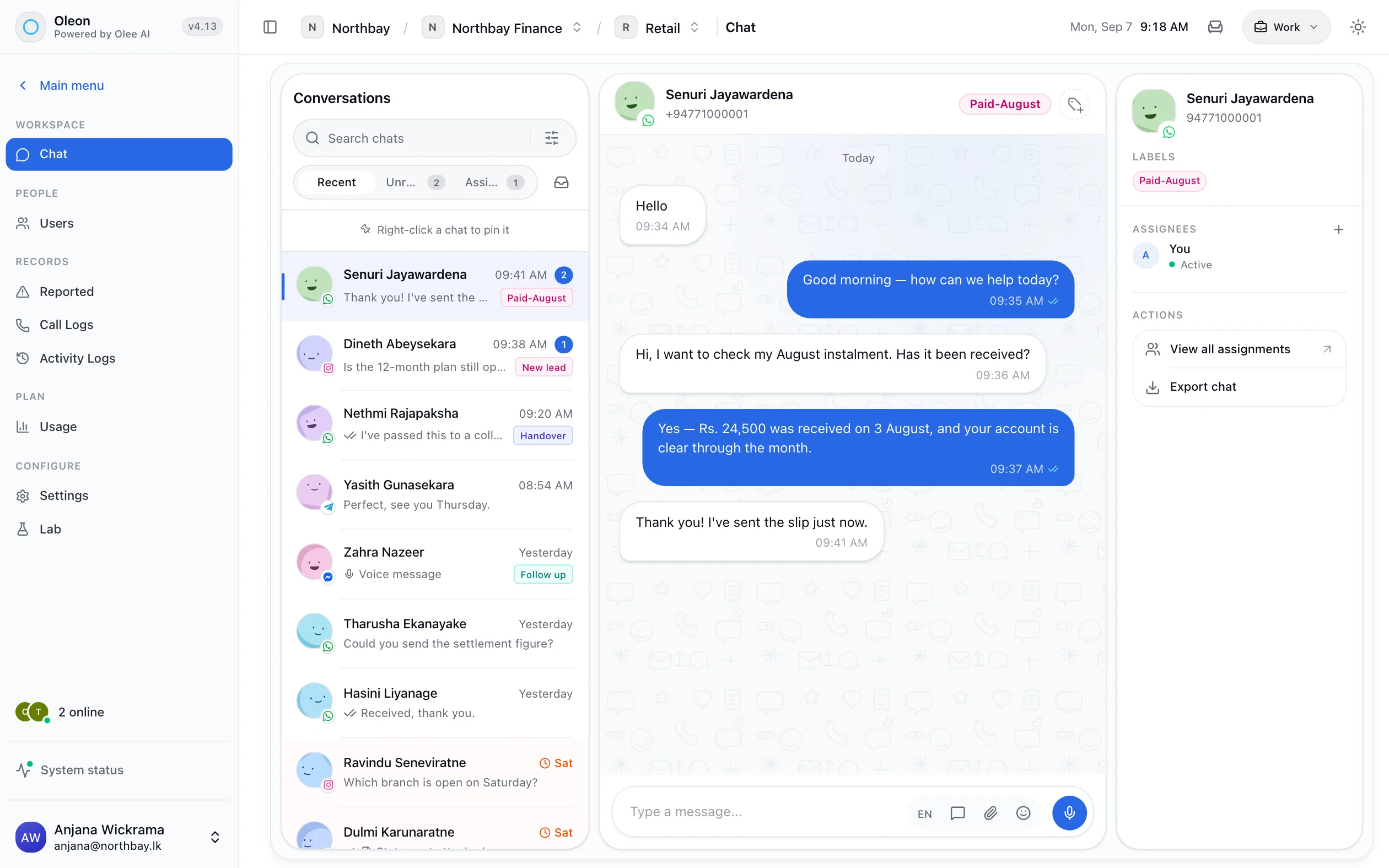
The questions a claim form asks, asked one at a time. The officer starts from a claim with the answers, the pictures and the place already on it.
One claim
From the roadside to next year’s renewal.
Ten steps. The judgement stays with people.
The message from the roadside
A customer who has just had an accident messages your number. Scout offers three buttons: report a claim, renew a policy, ask a question.
ScoutThe choice, and the label Claim · MotorIs the policy active?
Scout asks for the vehicle number and looks the policy up in your system. Not found, or lapsed, goes straight to a person rather than on through the form.
ScoutYour systemThe lookup and the policy it foundWhere it happened
One tap shares the location. The date and time come from the message itself.
ScoutThe location, on the threadThe photographs
Scout asks for the damage, the other vehicle, the number plates and the driving licence. They arrive as images on the customer's own conversation.
ScoutEvery image, append-only, on the claim's threadIn their own words
Someone who has just crashed does not want to type. A voice note is part of the thread like any other message, and the officer hears it as it was said.
ScoutThe voice note, kept with everything elseThe claim is registered
Scout sends the answers to your claims system and gets a claim number back, which it gives the customer there and then.
ScoutYour systemThe request, and the claim number saved on the conversationAn officer takes it
A person on the claims team is requested and assigned. Arranging an assessor, and every judgement about the claim, is theirs.
A personThe assignment, the assignee and every reply“Is my claim approved yet?”
Asked on day two and day four. Scout looks the claim number up and answers with the state your system holds, so the officer is not answering it.
ScoutYour systemEach lookup and the answer it producedThe settlement
When the claim is settled, your system sends the settlement template through the API, from the number the customer reported on.
Your systemThe template, its variables and its delivery stateRenewal, next year
Reach sends the renewal template to the policies due next month, this customer among them. The reply lands on the same contact, with last year's claim above it.
ReachDelivery per message, replies in the thread
Renewals
A send, and the replies come home.
Not a phone list worked by hand.
Renewals are a send, not a phone list.
Segment by policy and send an approved template. Replies land in the inbox against the same contact, so a renewal that turns into a question does not fall out of the process.
Delivery per policyholder. Replies on the same contact.
A reply is an ordinary conversation, with last year’s claim and every message above it, assignable to whoever handles renewals.
Evidence
What was promised is on the record.
Append-only history and activity logs mean a dispute about what a customer was told is settled by reading rather than by recollection.
Where to use it
Four lines of business.
Each one a flow you can build in an afternoon.
- Starts with
- A message from the roadside
- Runs on its own
- The claim menu, the policy check, location, photographs, the claim number, status
- Comes to a person
- Assessment, liability and the settlement decision
- Starts with
- A bill photographed at the hospital counter
- Runs on its own
- Which documents a claim needs, the bills on the thread, status by claim number
- Comes to a person
- Medical questions, exclusions and anything about cover
- Starts with
- Photographs of water where it should not be
- Runs on its own
- Claim intake with photos and location, policy lookups, renewal reminders
- Comes to a person
- Surveyors, loss adjustment and disputes
- Starts with
- A client asking for a quote or a renewal
- Runs on its own
- The details a quote needs, document collection, renewal reminders by segment
- Comes to a person
- Advice on which cover to buy
Controls
The insurer’s rules, not the bot’s.
Set by your claims and compliance teams.
No coverage decisions by the bot
The agent answers from your knowledge base. “Am I covered?” goes to a person, because that is advice.
Your thresholds, as conditions
A lapsed policy, a large claim or an injury routes to a senior officer, not through the form.
Claims and sales, apart
Roles and assignment keep a claim in front of the claims team and a quote in front of sales.
Every number has an owner
Channel ownership decides who answers the claims line and who answers the sales line.
Nothing is edited later
Messages, photos and voice notes are append-only, so the thread in a dispute is the thread as it happened.
Tested before it is live
A test panel and a problems list in Bot Studio, and every published version kept.
Getting started
Switch it on in this order.
Each step pays for itself before the next.
Write the policy answers
Premiums, documents, the claim process and branch details, in the knowledge base.
Build the claim intake
The menu, the questions, the location and the photographs, as one flow. Every claim arrives complete.
Connect the lookups
Policy status and claim status, from your own system. The two questions officers hate answering.
Send the renewals
Get the renewal template approved and send it by segment each month. Replies land in the inbox.
Tech specs
Every one of these is a screen in the product.
- Menus, questions and conditions
- Lookups to your own system
- Grounded answers
- Images and documents
- Voice notes
- Send from your own system
- Activity logs
- Labels, with an owner
- Templated sends
- Segment a list
- Assign a conversation
- Search the whole history
Questions
Before you ask.
The ones we hear most about CRM for insurance. If yours is not here, the answer is a message away.
Can a claim be reported to the bot?
Yes. A Scout flow asks the questions your claim form asks, checks the policy in your system, takes the location and the photographs, and registers the claim with your claims system to give the customer a number. An officer is then assigned; the bot never decides a claim.
Can customers send claim photos over WhatsApp?
Yes. Images, documents and voice notes are part of the conversation and stay attached to it.
Is there a record of who handled a claim?
Yes. Assignment, labels with an owner, and activity logs written as events happen.
Can we send renewal reminders?
Yes, as approved templates to a segmented list, with delivery reported per message.
Keep exploring.
More of what Oleon does.
All industriesIt starts with one conversation.
Bring the channels you already answer on into one place, and see what the rest of the week looks like.
Not ready to sign up? Join the waitlist and we will come to you.