Oleon
OleonContacts
Everyone who ever messaged you, on file.
A customer who messaged you in March is a customer. Most tools treat them as a thread that scrolled away. Here they are a record, with everything that has passed between you attached to it.
The record
One customer, one place.
Not a thread that scrolled away.
It says what it knows.
Each column tells you how much of it is filled in, so a list is a list of facts rather than a column of blanks.
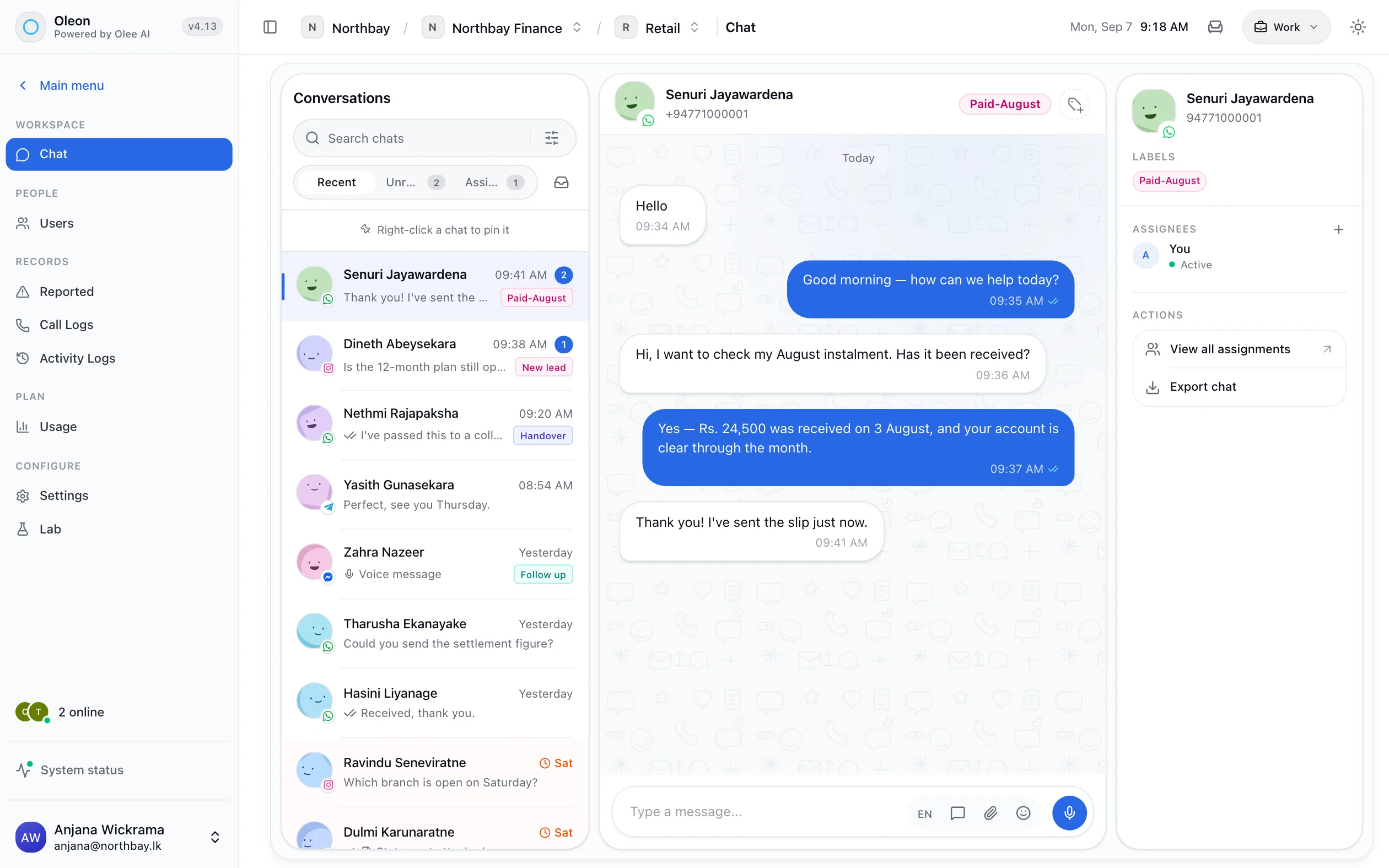
Labels on the person.
The same labels the inbox uses, on the customer rather than on one conversation.
Lists
Groups the whole team can see.
Not in one person's spreadsheet.
A list is a saved folder of customers, shared across the workspace. Set it to apply a label and everyone who joins it is labelled on the way in.
Import and export
Bring them in. Take them out.
Nothing written until you say so.
Import, with a preview.
See every row before anything is written. An import that refuses to start beats one that fails halfway.
Export in your shape.
A template decides the columns and their order, so the file matches the sheet it is going into.
Scheduled exports
Set it once.
It arrives the day you love.
Pick a day and a time. Your customer list is ready when the week starts, in the shape your template gives it.
Tech specs
Everything in Contacts.
- A record per customer
- What the list knows, per column
- Conversations on the record
- Orders on the record
- Labels
- Shared lists
- A label applied by a list
- Import with a preview
- Export templates
- Scheduled exports
- Large exports as a file
Questions
Before you ask.
The ones we hear most about Contacts. If yours is not here, the answer is a message away.
Is this a CRM?
It is the records half of one, and it is the half that exists today. Pipelines, deals and the work attached to them are in Deals, which is in beta.
What if one customer messages from two numbers?
Today those are two records. Joining them under one customer is the first thing Deals brings, because everything else in a CRM depends on it.
Can we add our own fields?
Custom fields arrive with Deals. What is held today is what the channel and the conversation give you, plus labels and lists.
Keep exploring.
More of what Oleon does.
All productsIt starts with one conversation.
Bring the channels you already answer on into one place, and see what the rest of the week looks like.
Not ready to sign up? Join the waitlist and we will come to you.