 Oleon
OleonBookings
BetaThey ask for a time. They get one.
Booking tools send a link, and a link is a page somebody has to leave the conversation for. Here the open times arrive as buttons in the chat the customer is already in, and tapping one books it.
In beta. Not every part described here is switched on yet, so read it as what it will do.
In the chat
Booked before they leave the chat.
No link. No page. No account.
Your day. Every open time is one the chat can offer, and a tap fills it here as the confirmation goes out. Nobody copies a booking from one place to another.
Their chat. No link, no page, no account. The times are buttons, and the reminder can be answered.
An example booking: the customer asks for a haircut tomorrow, is offered 11:30, 13:00 and 15:30 as buttons, taps 11:30 and is booked. The evening before, a reminder arrives with Confirm, Reschedule and Cancel, and the customer confirms.
Bookings
Everything a booking needs.
From the first ask to the empty chair.
Times as buttons. Real open times in the chat. Tap one, and it is booked.
Three languages. Asked in Sinhala, Tamil or English, answered the same way.
Reminders. Before the appointment, with Confirm, Reschedule and Cancel.
A waitlist. A cancelled time is offered to the next person straight away.
No-show follow-up. A message with new times, not a name crossed out.
Book from the composer. The team books while they talk, like an order.
Hosts and hours. Several people, each offered only when they are in.
In the records. Every booking, change and reminder, written down.
One slot
Two taps. One booking.
Never a double-booked chair.
When two customers tap the same time in the same second, the database takes one and turns the other away, and the second one is offered the next times instead.
Tech specs
What this one holds.
- Open times as buttons in the chat
- Booking in Sinhala, Tamil and English
- Confirm, reschedule and cancel by reply
- Reminders before the appointment
- A waitlist that fills cancellations
- No-show follow-up with new times
- Booking from the composer
- Several hosts and their own hours
- Calendar connections
- A booking page on your own address
- Every booking in the records
Questions
Before you ask.
The ones we hear most about Bookings. If yours is not here, the answer is a message away.
How is this different from sending a booking link?
A link moves the customer to a page written by somebody else, and the reminders come from a number they do not recognise and cannot reply to. Here the whole thing happens in your conversation, on your number.
Can it read our existing calendar?
Connecting a calendar so that a busy hour never shows as free is in the plan.
Do we need the chat for it?
No. There is a booking page too. The chat is the part nobody else has.
Keep exploring.
More of what Oleon does.
All products

It starts with one conversation.
Bring the channels you already answer on into one place, and see what the rest of the week looks like.
Not ready to sign up? Join the waitlist and we will come to you.
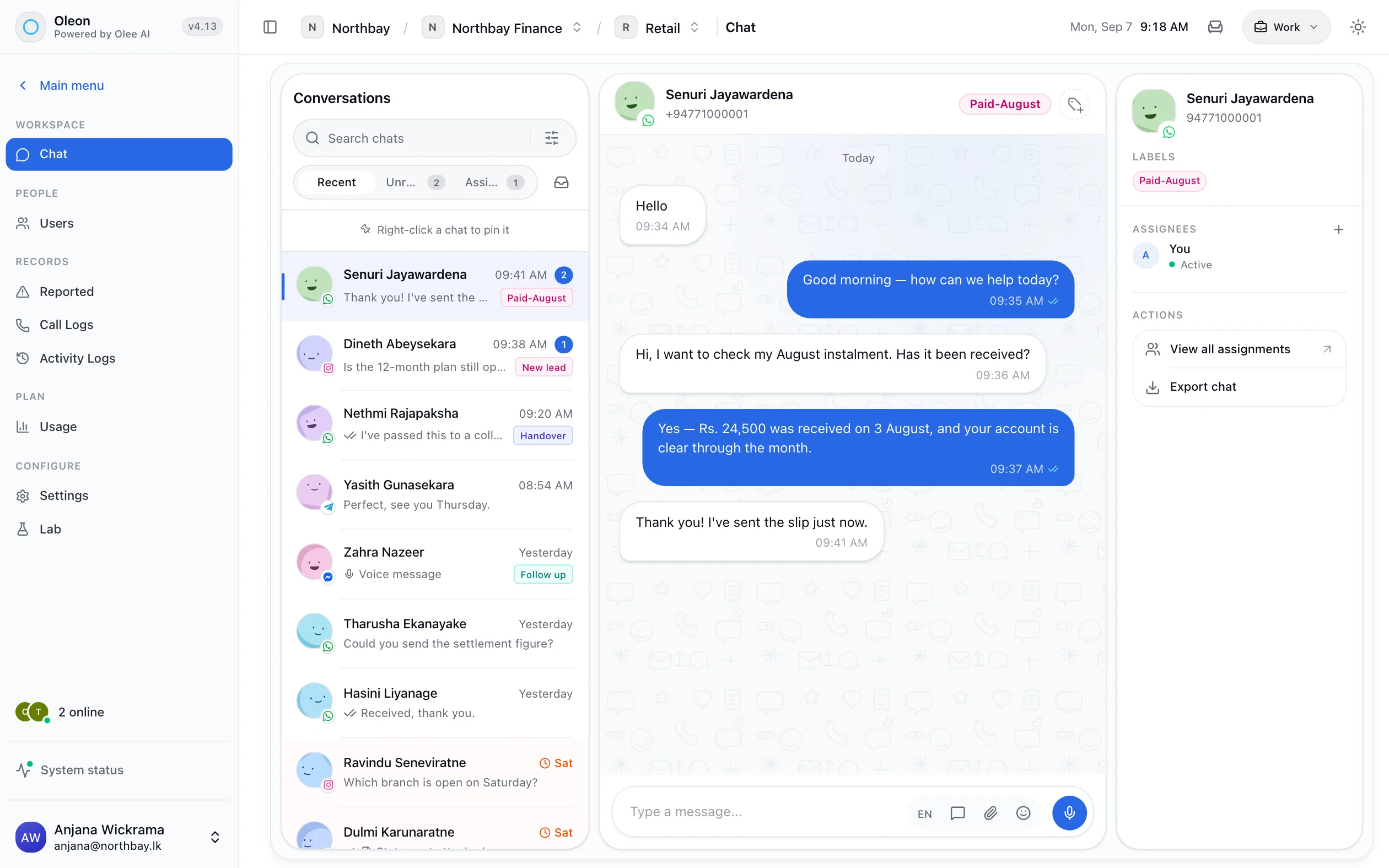
Photo by tian dayong on Unsplash