Oleon
OleonFeature
Oleon Always On: answer every customer, even while you sleep
Customers message at night, at weekends and the moment they see your ad. Oleon Always On answers them straight away, with replies you write or with AI that knows your business, and hands over to your team whenever a person is needed.
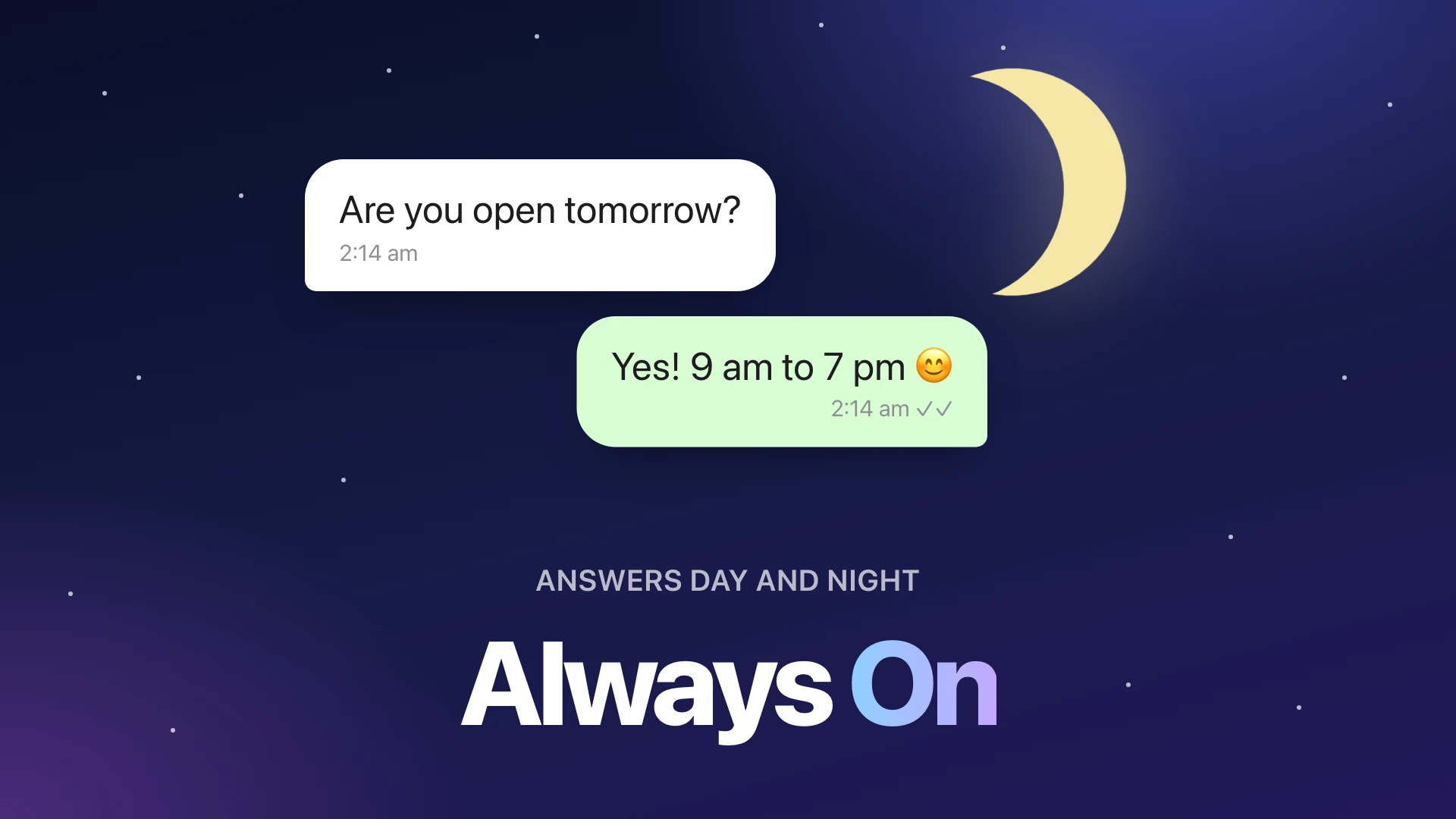
A customer who asks "Do you deliver to Galle?" at 10 pm and hears nothing until morning has often bought somewhere else by then. Oleon Always On answers them the moment they ask, day or night, and keeps every word in the same inbox your team works in.
What is Oleon Always On?
It is the name for the two helpers in Oleon that answer customers for you. They work inside your normal Oleon inbox, so your team can see everything they say, step in at any moment, and pick up exactly where they left off.
You can use one of them, or both together.
What is Reply Builder?
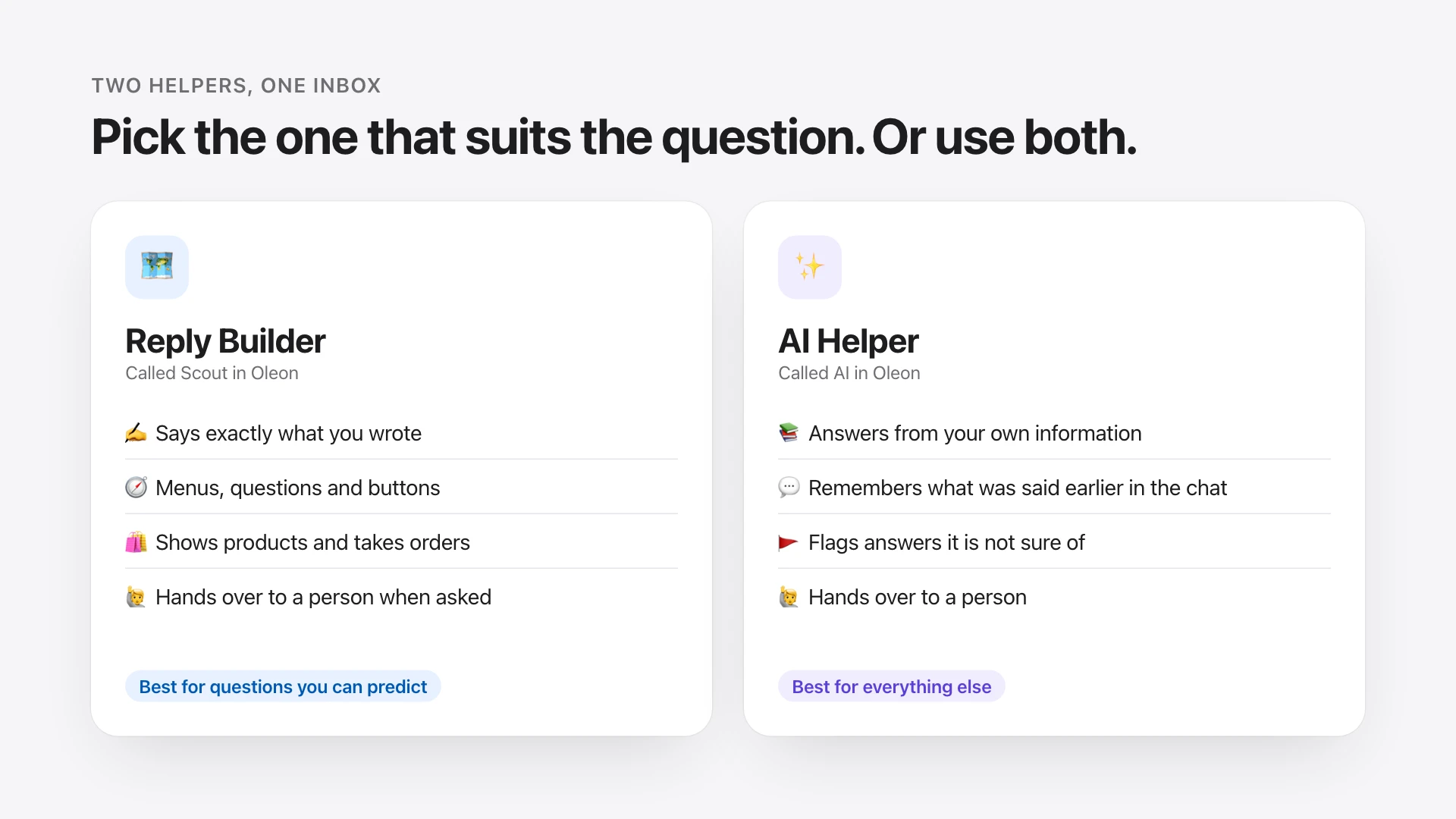
Reply Builder (called Scout inside Oleon) lets you draw a conversation instead of writing code. Each box is something your shop says, and each line is an answer the customer can give. Because you wrote every word, it says exactly what you want, every time.
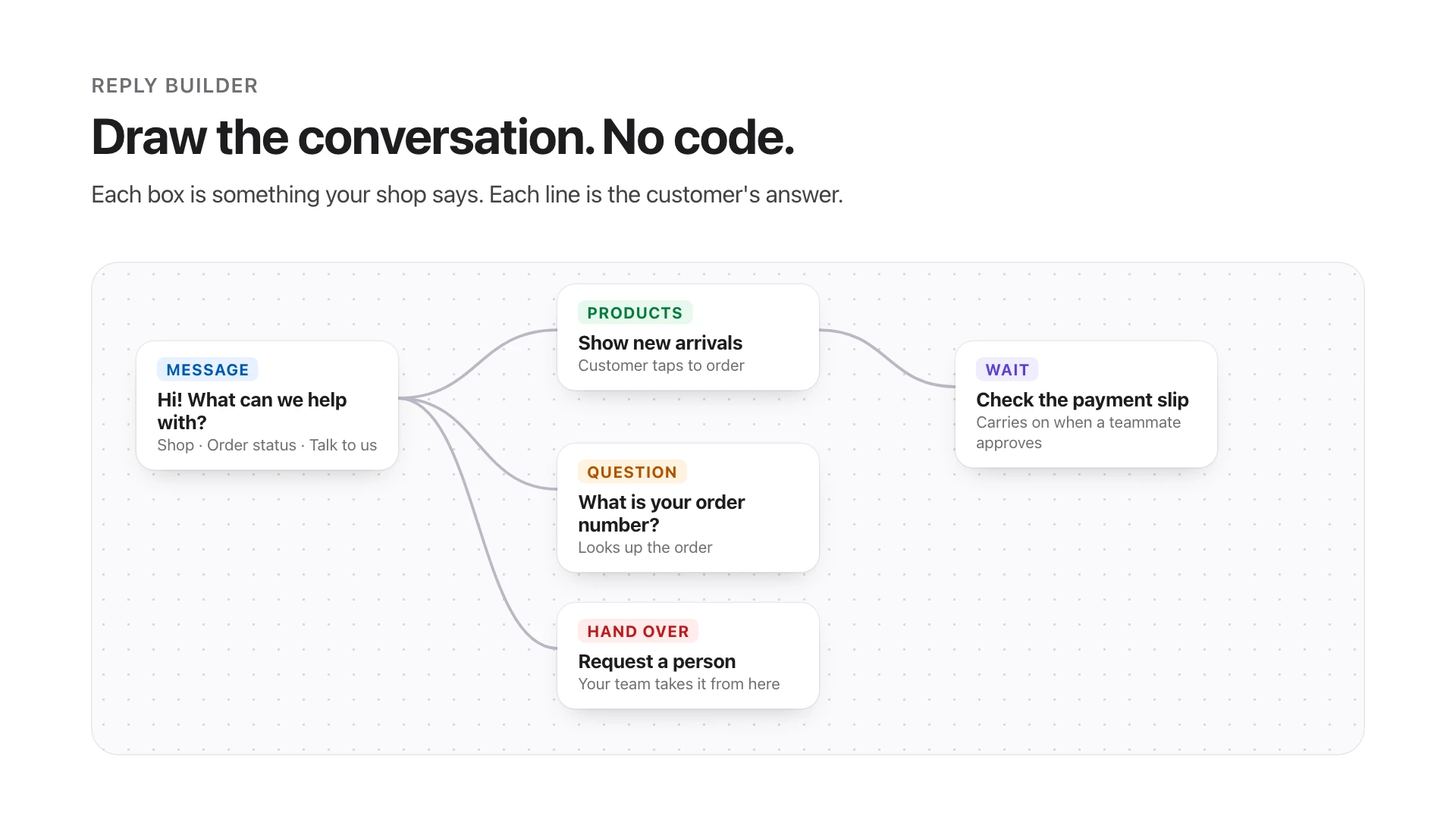
With Reply Builder your WhatsApp can:
- Greet customers and offer choices, such as "Shop", "Order status" or "Talk to us".
- Ask questions and remember the answers, like a name, a size or an order number.
- Show your products and take the order right in the chat.
- Send a WhatsApp form for longer details, such as a delivery address.
- Wait for a payment slip to be checked by your team, then carry on by itself and tell the customer it is confirmed.
- Bring in a person whenever the customer asks for one.
- Answer in more than one language.
You can try every change before customers see it. A change becomes live only when you publish it, and you can always go back to an earlier version.
What is AI Helper?
AI Helper (called AI inside Oleon) answers the long list of questions you cannot predict. It reads the information you give it, such as your prices, delivery areas, opening hours and returns policy, and answers in its own words, using only that information.
- It answers from your information, not from guesses.
- It remembers the conversation, so a customer never has to repeat what they said three messages ago.
- It flags answers it is not sure of, so someone on your team can check them.
- It hands over to a person when it should not answer.
Our team sets up AI Helper with you, because the information you give it is what makes it right, and the first version is worth writing together. It runs on your own account with an AI provider (OpenAI, Google Gemini or OpenRouter), so you pay that provider directly for what it uses. Nothing is added to your Oleon plan for it.
What happens when a customer needs a real person?
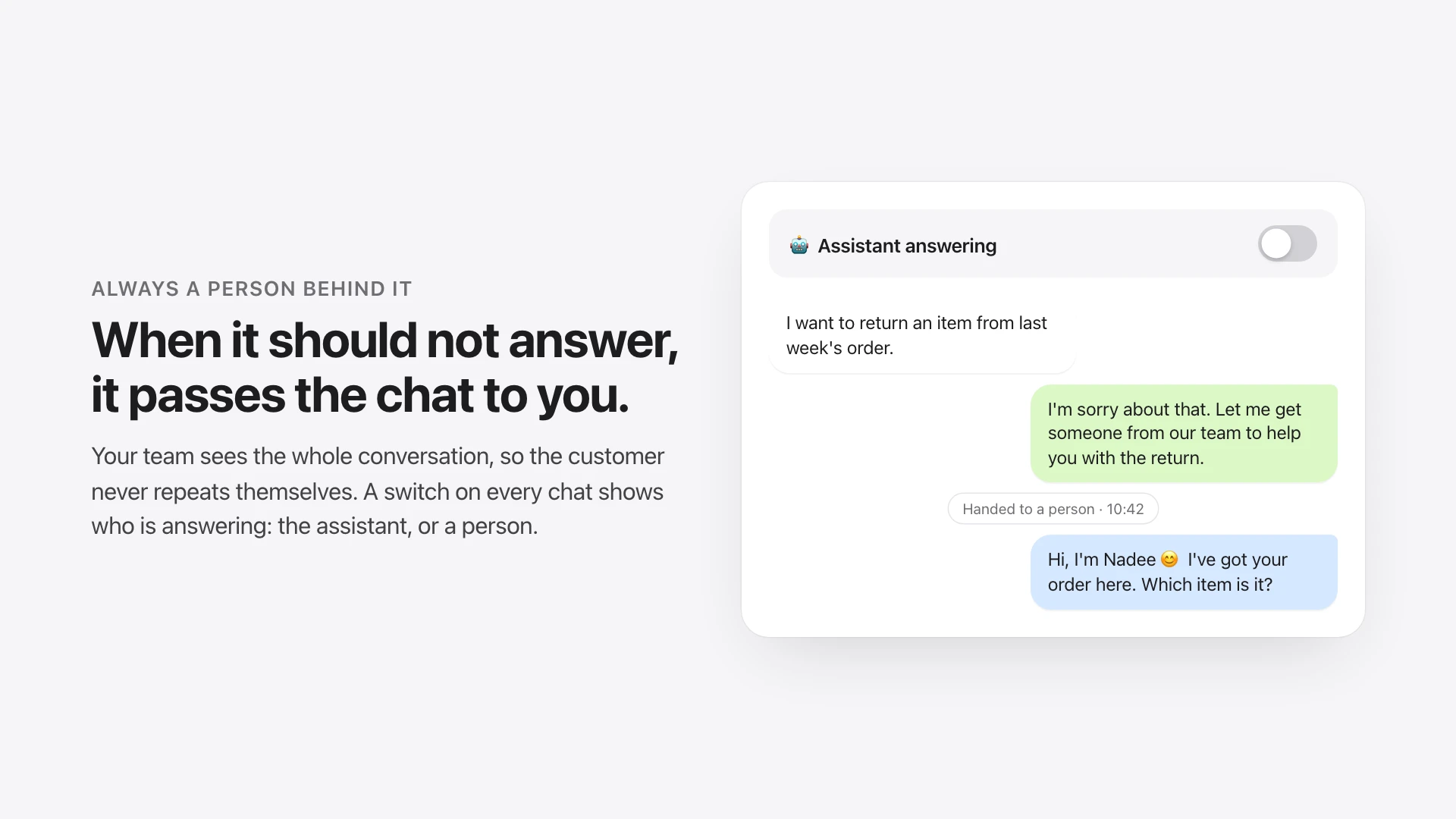
Either helper can pass a conversation to your team: when the customer asks for a person, when a step in your Reply Builder says so, or when AI Helper should not answer. Your team sees the whole conversation, so nobody asks the customer to start again.
Every chat also has a switch that shows who is answering it right now: the assistant, or a person. Turn it off to take over a chat yourself, and on again to hand it back.
Which one should I use?
- Use Reply Builder for the questions you get every day and want answered the same way every time: opening hours, delivery, prices, order status, taking an order.
- Use AI Helper for the long tail: the unusual questions, the follow-ups, the "what if…".
- Use both if you like. Many businesses let Reply Builder handle the common paths and AI Helper the rest, with the team stepping in when it matters.
24/7
answers, nights and weekends included
2
helpers: one you draw, one that reads
1
inbox where your team sees every word
How do I start?
- Open your Oleon workspace and go to Bot Studio to draw your first Reply Builder conversation. Start with your three most common questions.
- Use the test panel to try it as a customer would, then publish it.
- For AI Helper, get in touch with our team and we will set it up with you.
The pictures in this article use a made-up shop and customers to show how each feature looks.